
How it works
Walk in. See the day. Start cooking.
Open Queux to find the rooms you’re feeding, today’s dietary and texture needs, the approved menu and the tasks that get each meal out on time.
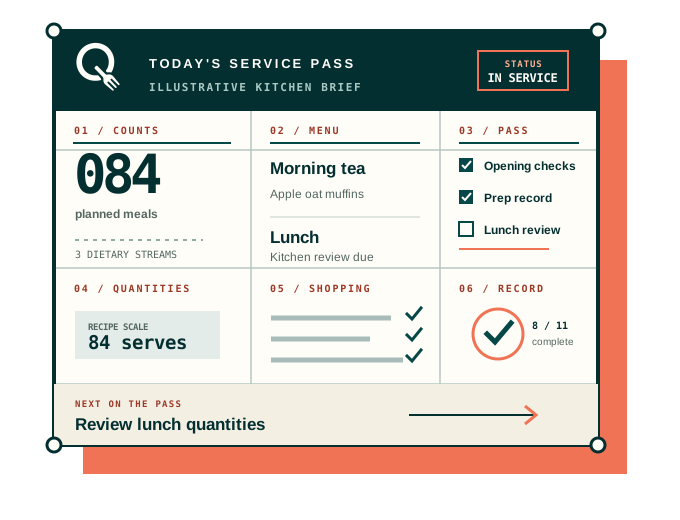
A day in the kitchen
Six stages. One connected day.
Your weekly plan gives the day a starting point. Confirm what has changed, prepare the meals and keep the record as you go.
-
01
Configure the site
Set rooms, meal services, staff roles, approved documents and the records your site actually uses.
-
02
Bring in today’s counts
Use CSV or manual entry, check the date and rooms, then confirm late changes with the centre. Direct provider connections require separate access and implementation.
-
03
Confirm the menu and quantities
Review changes, dietary and texture totals, then scale approved recipes.
-
04
Prepare and serve
Follow the prioritised day, practical serving guidance and site-linked procedures.
-
05
Complete records
Submit configured forms, respond to issues and retain a visible amendment trail.
-
06
Handover and improve
Carry unresolved work forward and review feedback, waste and tomorrow’s preparation.
Before setup
Bring the decisions your service already owns.
The guided setup helps organise existing information; it does not invent missing approvals.
Setup checklist
Information to prepare
- Organisation and site details✓
- Rooms and capacities✓
- Meal-service times✓
- Current menu cycle✓
- Approved recipes✓
- Dietary-count process✓
- Food-safety forms✓
- Cleaning schedules✓
- Handbook and SOPs✓
- FSS and training records✓
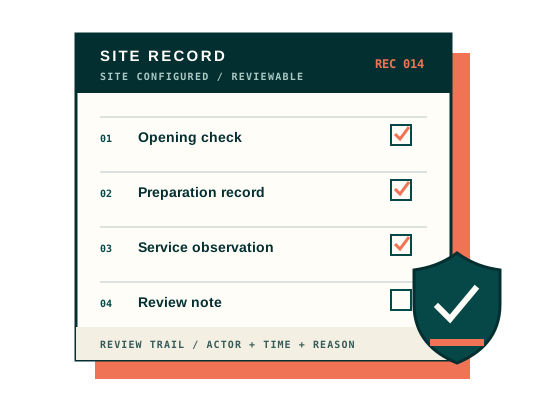
Accountable by design
Changes do not disappear into the latest value.
Source snapshots, authorised overrides, finalised submissions and amendments remain distinct so teams can understand what happened.
- Published versions
- Are not silently overwritten
- Corrections
- Capture actor, time and reason
- Protected resources
- Require both scoped retrieval and authorisation
- Reports
- Reflect the history, not only the current screen
Ready when you are