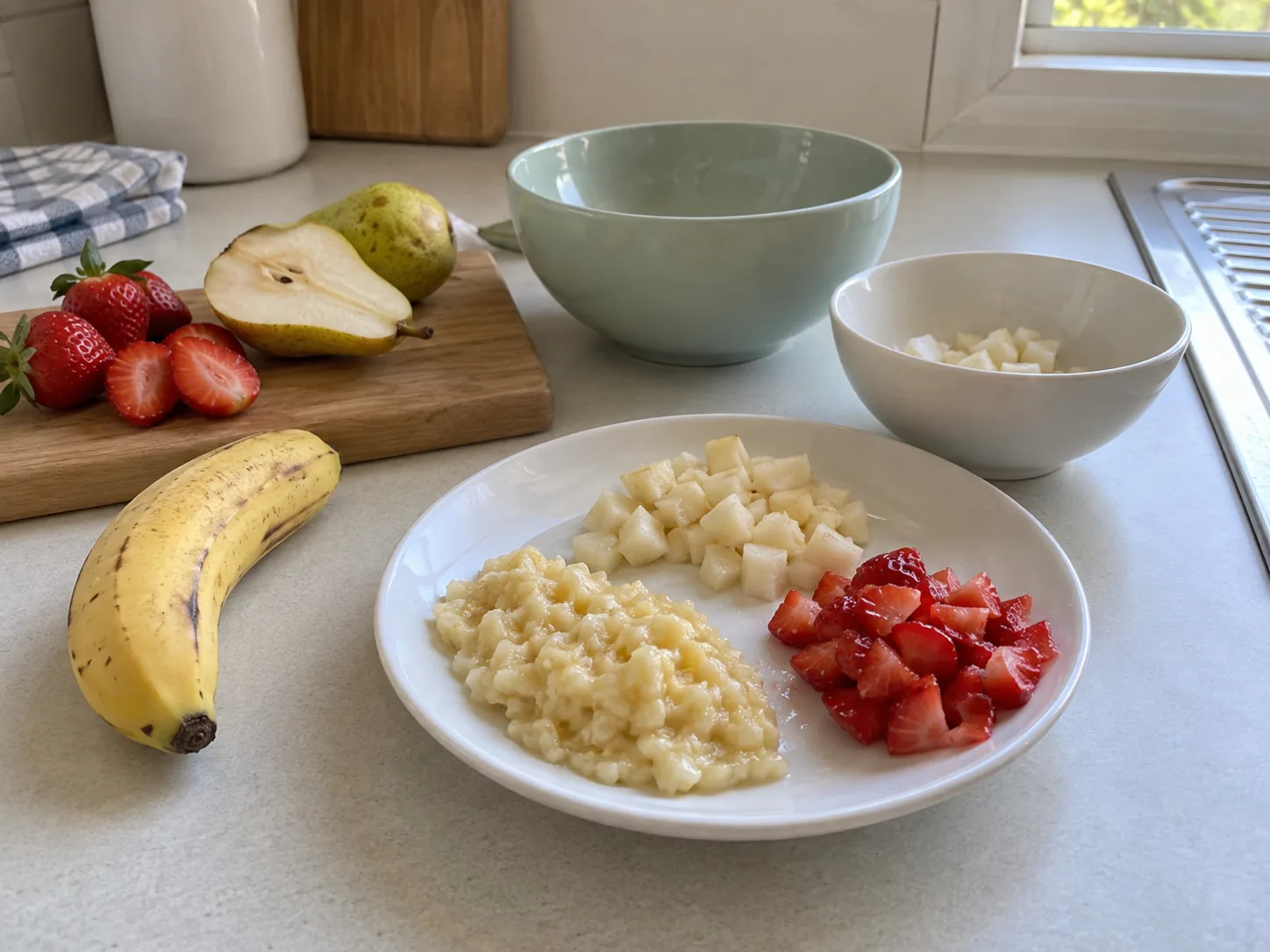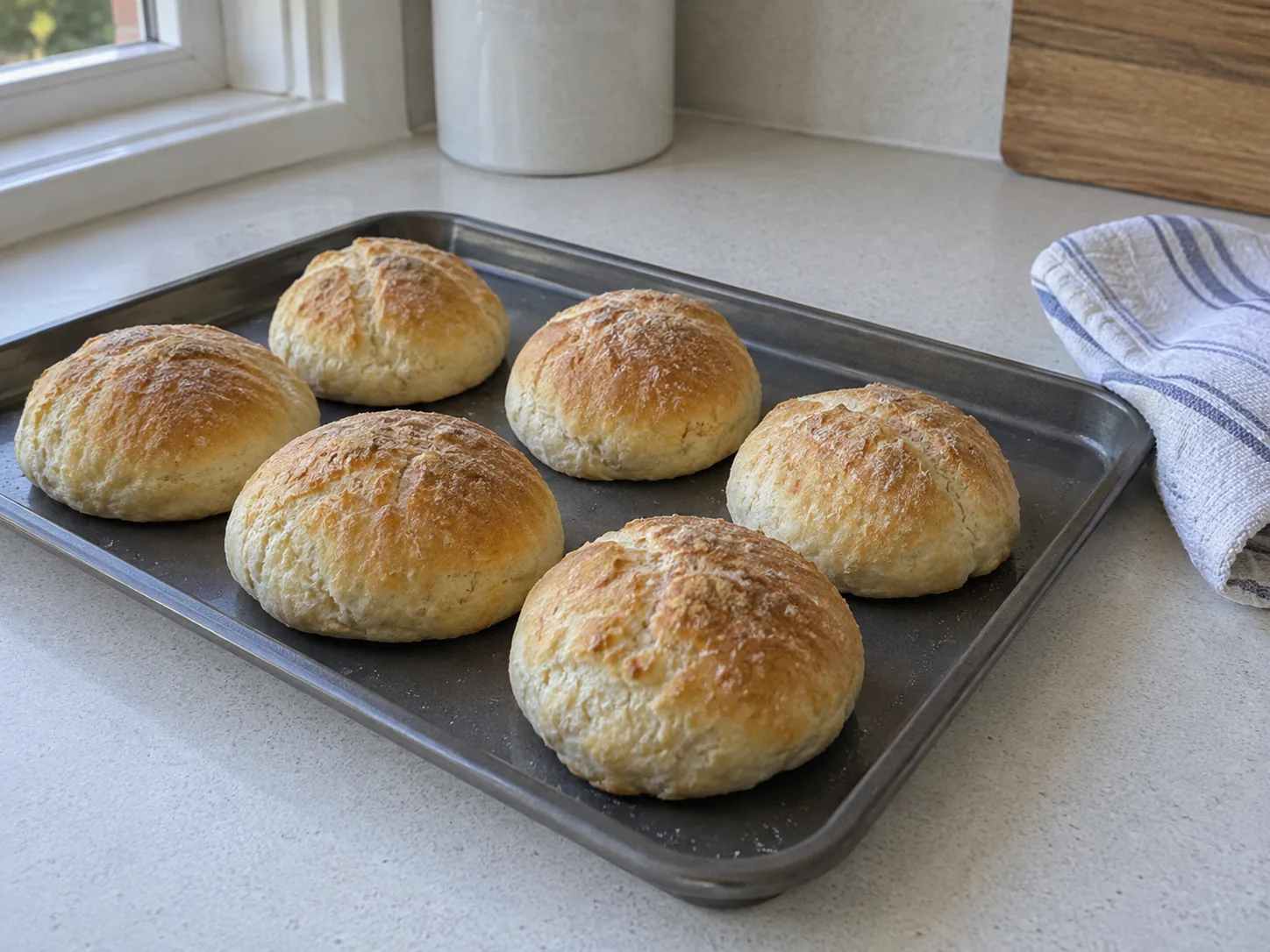
Mix · knead · notice
Cooking & sensory play →
Bread, smoothies, frozen yoghurt, playdough and more. Simple recipes for educators to review and use with children.
The kitchen library
Cooking activities for children, menus for special days and practical food-safety learning for the people behind every meal.
Good food is something to share
A kitchen library for the days you need an idea, a clear set of steps or a little more confidence. Explore small-group activities, menus for special occasions and practical reading for staff.
Every activity includes ingredients, a visual example and checks for allergies and supervision. Sensory play is clearly marked separately from food to eat.
Mix · knead · notice
Bread, smoothies, frozen yoghurt, playdough and more. Simple recipes for educators to review and use with children.
A reason to gather
Book Week, rainbow menus, Christmas, Easter and family-led cultural occasions, with room for your own community.
Someone to point you in the right direction
Allergy checks, cross-contamination, bottles, first foods and guidance for every Australian state and territory.
Generated activity illustrations. Centre meal photographs belong with the food actually prepared.
Site setup checklist
You can save and return during setup. Gather what applies to the site; do not create a document merely to fill a screen.
01
02
03
04
05
06
Integration readiness
A useful integration begins with permission, scope and a reliable fallback.
Provider readiness
Plan mapping prompts
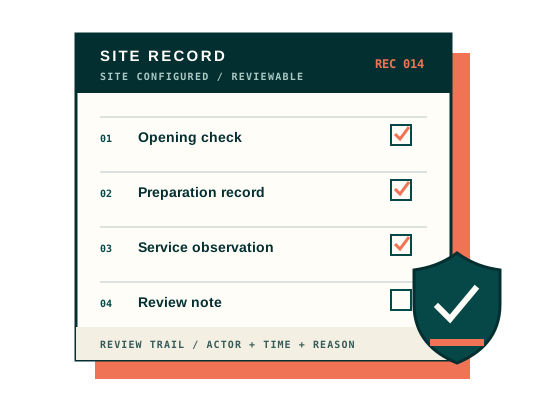
For every operational form, identify the approved source and the person accountable for review.
Short explainers
Three distinctions that keep setup honest and useful.
01 / INPUT
Choose based on reliable authorised access — not the appearance of automation.
02 / CONTENT
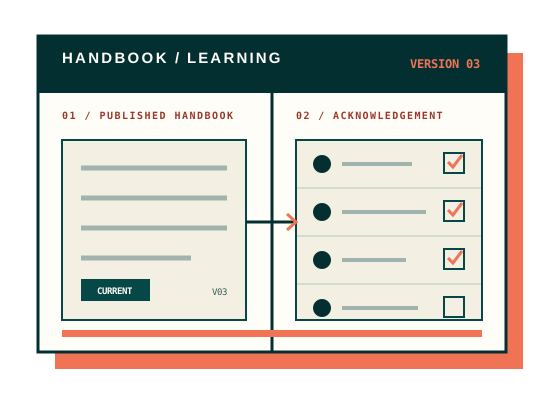
Keep working content separate from the version staff are expected to follow.
03 / LEARNING
Record both clearly without presenting internal learning as a nationally recognised qualification.
Need help mapping your site?